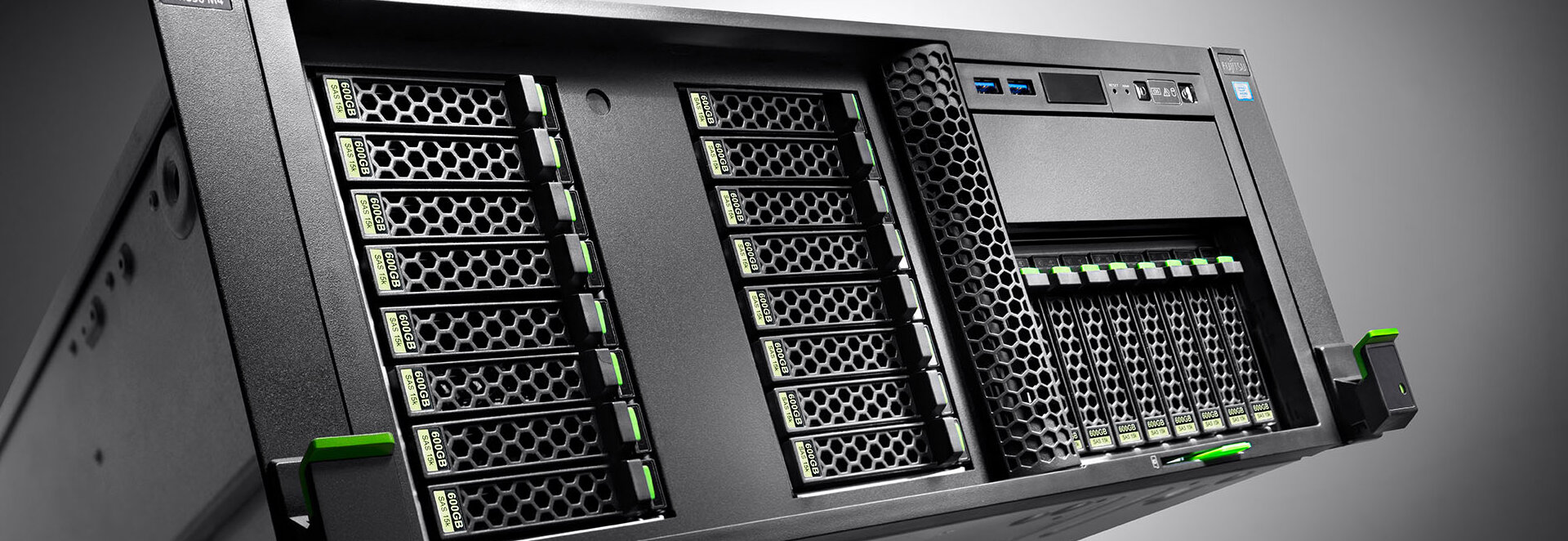
At Virtue Technologies, now more than ever; we see the importance of flexible access to school ICT resources in order to create a flexible learning environment.
We can help you avoid the costs of setting up and managing this access by using our extensive knowledge and skills to ensure we get the correct solutions for you. Our solution provides flexibility to staff and students by allowing them to connect to files and folders whilst running programs such as Microsoft Office wherever they are.
Reduce infrastructure costs by right-sizing virtual machines (VMs) and shutting them down when not in use. Increase utilisation of Virtual machines with Windows 10 and Windows 11 multi-session.
Microsoft Remote Desktop
The Microsoft Remote Desktop App provides consistent, easy access to a variety of devices and platforms while delivering a high performance, rich user experience.
With RemoteApp, remote applications are easier for users to find and launch as they run side by side with local applications and integrate with the Start Menu or Screen in Windows or the OS X Finder.
Speak to one of our Account Managers to discover how remote access could help your school become a more flexible learning environment.
Windows 365
Optimised for simplicity Windows 365 provides a Remote Access solution that securely streams your personalised Windows experience, all your apps, content and settings to any device.
Read more on our Productivity Tools Page
Azure Virtual Desktop
Azure is a flexible cloud virtual desktop infrastructure (VDI) platform that securely delivers virtual desktops and remote apps, giving you maximum control
- Windows 10 and Windows 11 personalised and multi-session desktops and remote app streaming
- Full control over management and deployment, plus options for Citrix and VMware integration
- Remote app streaming allows you to run your app in Azure and stream it to a remote device. Use Azure Virtual Desktop for app streaming to create a low-latency, high-performance user experience from virtually anywhere on any device.
Built in Security
- Help secure your data by storing in Azure rather than local desktops. Leverage Azure security offerings for end-to-end security
- Use conditional access to manage risks before you grant users access to your Azure Virtual Desktop environment.
- Set up multifactor authentication for secure sign-in.
- Protect your Azure infrastructure by enabling role-based access control (RBAC)
- Take advantage of Azure Virtual Desktop compliance certifications including ISO 27001, 27018, and 27701, plus PCI, FedRAMP High for Commercial, HIPAA, and more.

Speak to the team today
Our Account Managers are here to help. If you know what the problem is, and need someone to help you find the solution, we can offer guidance and advice.
Get in TouchRelated case studies
Read some of the challenges we've helped our customers overcome
Bedford High School, North West
Solutions provided:
Cyber Security
The cyber security requirements from the government are increasing the need for schools to manage a growing number of controls to manage the cyber risk.
Download the case study
UTC Warrington, North West
Solutions provided:
Productivity Tools
Following issues with their original provider, it became imperative that their IT support move to a provider who could help them navigate their licenses, in a straightforward manner.
Download the case study
Two Counties Multi-Academy Trust, East Midlands
Solutions provided:
Solution Products
Two Counties MAT were a brand new customer to Virtue when we helped them migrate their email and data from on-premise to Office 365, enabling the deployment of a Trust-wide backup policy.
Download the case study